
Assign work to subcontractors in one step, with prices hidden
In Service Provider business mode, partners use their own portal sign-in, see assigned work without prices and electronically sign completed work.
14 days free · €0 · no credit card · free plan for up to 25 assets afterwards
Sound familiar?
- Partner work is tracked through calls, email and spreadsheets
- You cannot see how subcontracted work is progressing
- Partners have no shared place to receive jobs and report back
- Proof of completion arrives later on paper
How ServiceLeaf helps
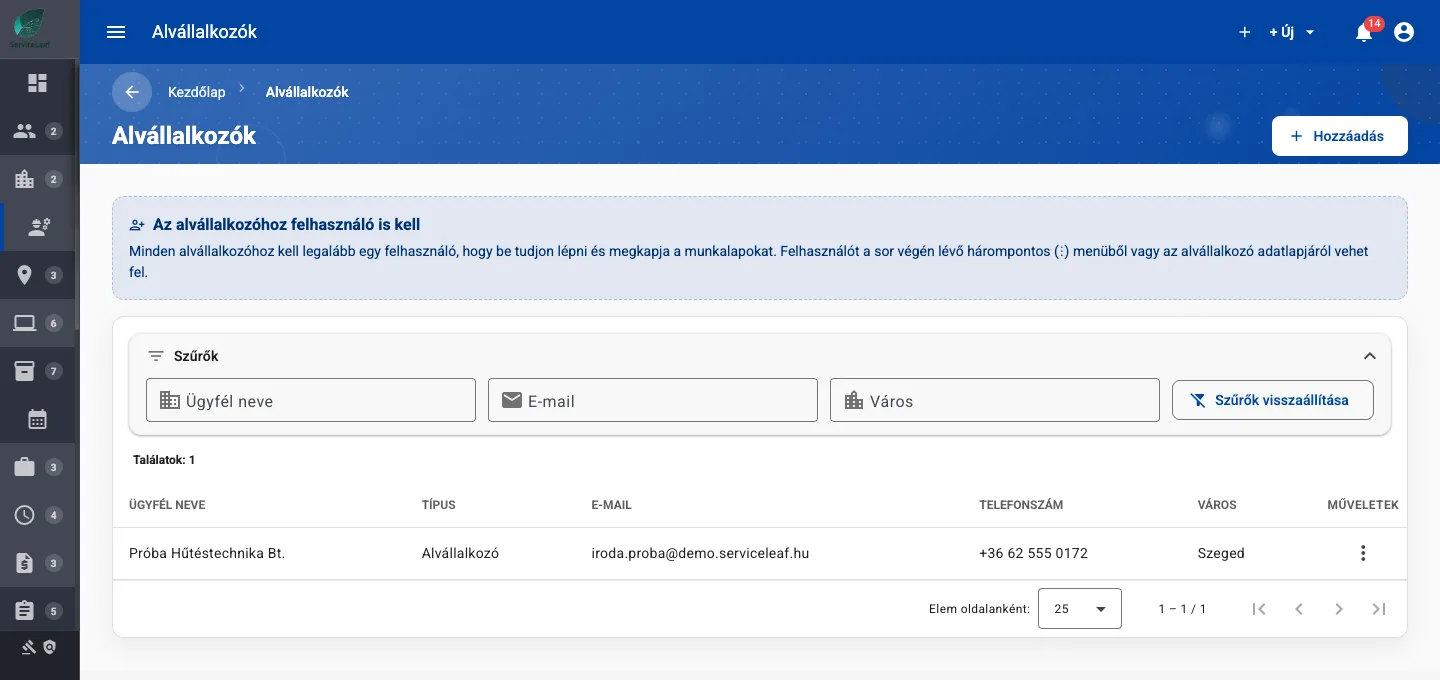
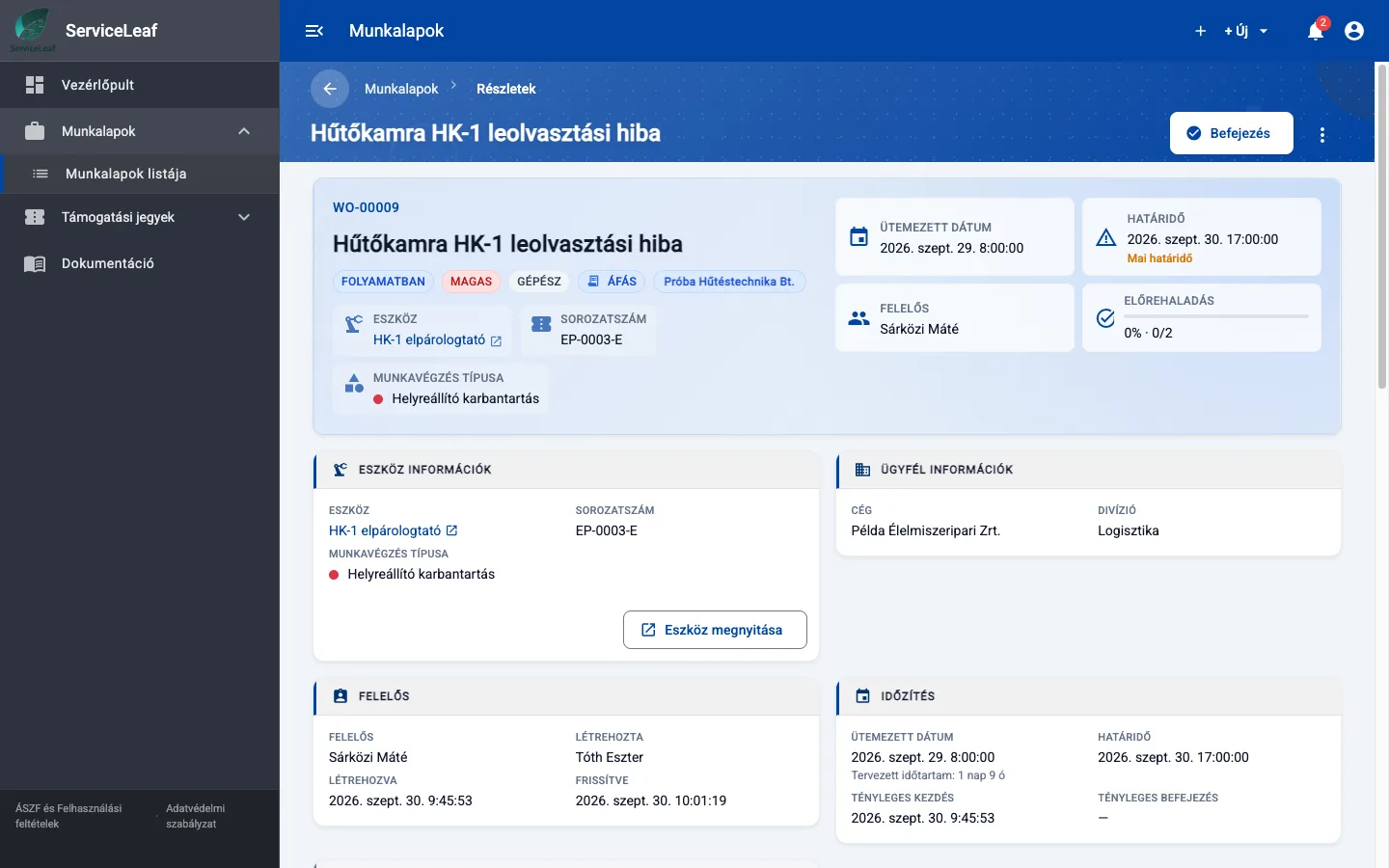
- A Subcontractor Company field on work orders and support tickets
- Partners see assigned work through a restricted portal menu
- The server removes financial details from partner responses
- Partners electronically sign completed work orders
See it in ServiceLeaf
What can it do?
Assign in one step
Choose the subcontractor company on the work order or ticket. Its active users can see the assignment, and a named partner colleague can be responsible.
Partner access without prices
Partners sign in to the standard web portal with a restricted menu. They cannot see costs, rates or discounts.
Assignment notifications
Partners receive email and in-app notifications. The work order creator receives status updates.
Field reports
Partners submit the New Field Report form, which arrives as a normal ticket for your team.
Partner signatures
Partners sign completed work orders in the Signatures card. They receive the completed PDF by email without prices.
Subcontractor directory
Keep partner companies and users together under People & Organisations → Subcontractors.
Read more on the blog: Facility management software for building operations
your team, customer and subcontractor in one system
Related features
Work Order Management
Create, assign and track maintenance tasks in one place. Keep responsibilities, progress and deadlines visible.
Permissions and Divisions
Users assigned to a division see their own branch and company-wide records.
Electronic Signatures
Sign work orders and quotations on screen with a QR verification page. Quotations use Service Provider business mode.
Ready to digitise your maintenance?
Try it free for 14 days, or book a live demo.
14 days free · €0 · no credit card · free plan for up to 25 assets afterwards